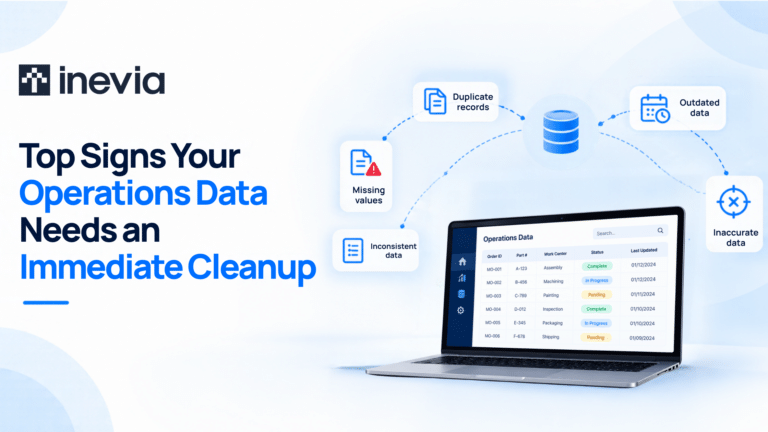
If your production report shows 240 units in stock, but the inventory system says 226, which number should your operations manager use?
This is a classic case of data quality problems. Two systems show different information. Although an old customer record exists, employees keep separate spreadsheets because they trust them more than a company system.
The financial impact of data inconsistencies can be huge. Poor data quality costs organizations at least $12.9 million a year on average, according to Gartner research from 2020.
For small and medium businesses, poor data can create problems across daily operations. Employees spend time checking records. Reports become harder to trust. Production or purchasing decisions may be based on outdated information.
Data cleanup helps businesses improve the information they already have and create a stronger base for future technology projects.
What Is Data Cleanup?
Data cleanup is the process of finding and correcting problems that make business data unreliable.
Consider a supplier that appears under different names in your purchasing records. Employees may recognize that the records belong to the same company, while a reporting system may treat them as separate suppliers.
Data cleanup helps identify such problems and establish the correct record.
The process can be applied to customer information, product records, inventory data, and other information that supports business operations.
Signs of Good Data
Data quality is characterized by:
Accuracy: Does the record reflect what actually happened? An inventory balance that differs from physical stock has an accuracy problem.
Completeness: Is the information required for the process available? A completed work order without a completion date could affect reporting.
Consistency: Does the information agree across the places where it is used? A product should not appear as active in one system and discontinued in another without a valid reason.
Validity: Does the information follow established business rules? An impossible date or an invalid product code may fail a validity check.
Uniformity: Is information recorded in a common format? For example, measurement units should be clearly identified when data from different sources is combined.
The required level of quality depends on how the data will be used. A record used to make daily production decisions may need closer control than information kept mainly for reference.
How to find out if your data needs to be cleaned?
Employee behavior can reveal data problems early.
- Your team may compare reports before trusting the numbers.
- Managers may ask someone to verify information before a meeting.
- Employees may regularly correct customer or product records by hand.
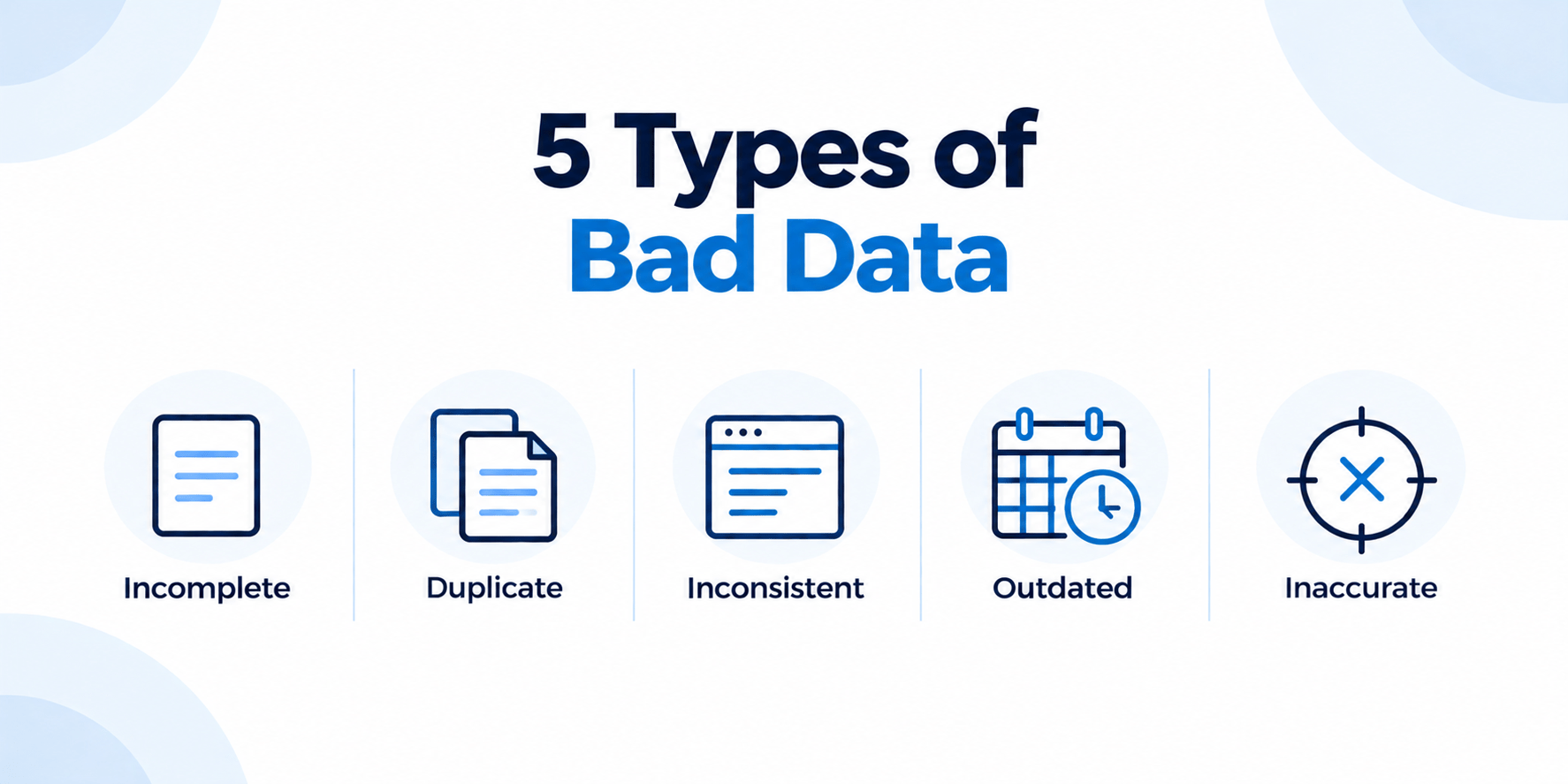
Spreadsheets can be another sign. A team may maintain its own file because the information in the main business system is incomplete or outdated.
Frequent discrepancies deserve attention too. Inventory records may not match available stock. The same customer may appear under different names. Reports from two departments may show different results for the same measure.
When checking and correcting information becomes part of daily work, the underlying data may need attention.
What Causes Unclean Data?
- Manual data entry can introduce errors, but data quality problems also develop as businesses change.
- New software may be added while older applications remain in use. Different teams can then maintain their own versions of the same information.
- Business standards also evolve. A manufacturer may introduce a new product-numbering system while older records continue using the previous format.
- Data migrations can create inconsistencies when information moves between systems.
- Records can also become outdated when there is no clear responsibility for maintaining them.
Understanding the cause helps a business decide whether the problem requires a one-time correction or a change in how information is managed.
What Does Poor Data Quality Cost a Business?
Poor data can have a negative impact on your business decisions.
A production planner may schedule an order because the system shows enough material in stock. The shortage becomes visible only when the team is ready to begin work.
Sales teams face similar risks. Outdated product or pricing information can slow quotations and create additional review.
Management reporting can also suffer. If leaders do not trust a dashboard, someone has to verify its source before the information can be used.
Employee time is another cost. Repeatedly checking records or reconciling spreadsheets takes people away from other work.
These problems help explain why Gartner’s 2020 research estimated that poor data quality costs organizations at least $12.9 million per year on average.
Why Does Data Quality Matter for AI Systems?
AI applications rely on the information available to them.
Suppose a manufacturer uses an AI agent to investigate delayed production orders. The agent checks production progress and then reviews inventory. If the inventory information is outdated, its assessment may point to the wrong cause.
This makes data quality an important part of AI readiness.
AI data cleaning can also support the cleanup process itself. AI can help identify possible duplicate records or detect unusual patterns in large datasets.
Some cases still require business context. Two supplier records with similar names could be duplicates, or they could represent different locations. An employee familiar with the accounts will have a better picture of your business context here.
5 Data Cleaning Techniques for your Business
The right data cleaning techniques depend on the information being reviewed and the problem you are trying to solve.
1. Profile Your Data
Start by assessing the current condition of the data.
Data profiling can reveal missing fields and inconsistent formats. It can also highlight records that fall outside expected patterns.
This gives the cleanup project a clear scope before records are changed.
2. Review Duplicate and Outdated Records
Duplicate records can distort reports and create confusion.
Potential duplicates should be reviewed before they are merged. Similar names do not always refer to the same customer or supplier.
Older records should also be checked to determine whether they are still required for business or regulatory purposes.
3. Standardize Important Information
Common standards make information easier to use across the business.
A manufacturer might establish one format for part numbers. Another company may standardize customer names or addresses.
Dates and measurement units are other areas where clear standards can prevent confusion.
4. Address Missing or Incorrect Values
The importance of missing data depends on the record.
A missing optional note may have little effect. Missing information about an active order could stop a process or affect reporting.
Unusual values need context as well. A machine cycle time far outside its normal range may be an error. It may also indicate a genuine production issue.
5. Validate the Cleaned Data
The final step is to check whether the cleaned information works for its intended purpose.
Employees who understand the process should participate in this review. A production manager can confirm whether updated work-order information reflects actual activity. A sales manager can review customer or pricing records.
Reports and connected applications should also be checked after significant changes.
Can Data Cleaning Be Automated?
Many repetitive data cleaning techniques can be automated.
Software can flag missing values or detect likely duplicates. It can apply formatting rules and identify records that do not meet established requirements.
AI data cleaning can help when patterns are harder to identify through fixed rules. For example, AI may assist with matching records that contain variations of the same company name.
The level of automation should reflect the decision involved. Standardizing a date format can usually happen automatically. Merging important customer accounts may require review.
How to Ensure Data Cleanliness?
A cleanup project improves existing information. Maintaining that quality depends on how new data is managed.
Clear ownership helps employees understand who is responsible for important records. Data-entry controls can prevent common errors before they enter a system.
Periodic reviews can identify new quality issues early. Businesses can also monitor important data where errors could directly affect operations.
Recurring problems may point to the process itself. If employees keep correcting the same information, the way that data is collected or transferred may need to change.
Clean your business data with Inevia
Growing businesses often have valuable operational data spread across business applications and spreadsheets. Understanding its quality is an important step before using that information for new digital initiatives.
Inevia helps businesses assess operational data and identify issues that affect their use. The cleanup can then focus on the information connected to important business processes.
Clean, well-structured data can improve reporting and support system integration. It also provides a stronger foundation for automation and AI initiatives.
Conclusion
Reliable data helps leaders understand what is happening across their business.
When information becomes unreliable, employees often compensate through manual checks and workarounds. Over time, those extra steps can slow decisions and reduce confidence in business reports.
Data cleanup gives businesses an opportunity to address the records causing these problems. It can also reveal changes needed in the way information is collected and maintained.
As a business grows, keeping important data reliable can make everyday operations easier and prepare your organization for future automation and AI projects.
FAQs
What is the difference between data cleaning and data cleansing?
The terms are generally used interchangeably. Both refer to improving the quality of existing data.
What are common data cleaning techniques?
Common data cleaning techniques include profiling data, reviewing duplicates, standardizing formats, correcting problematic values, and validating the results.
What is AI data cleaning?
AI data cleaning uses artificial intelligence to help identify data quality problems. It can support tasks such as duplicate matching and anomaly detection.
How often should business data be cleaned?
It depends on how frequently the information changes and how important it is to daily operations. Critical data may require regular monitoring.
Why is data cleaning important before implementing AI?
AI applications depend on business data for analysis and decision support. Reliable data gives these systems a stronger foundation.