A plant supervisor may have an approved drawing, yet production may still not started. In another case, ERP may show an order as scheduled, but no one on the team can confirm its current status.
In situations like these, what role do PLM, ERP and MES play? Let’s find out.
- An engineering change may be recorded in PLM.
- ERP can refer to the updated material details for purchasing and planning.
- MES can then help the factory supervisor carry out tasks using the right instructions, recording steps that happened during production.
So, which of the three systems do you need the most? Continue reading to understand PLM vs ERP vs MES and how they can benefit your business operations.
PLM, MES, and ERP Explained
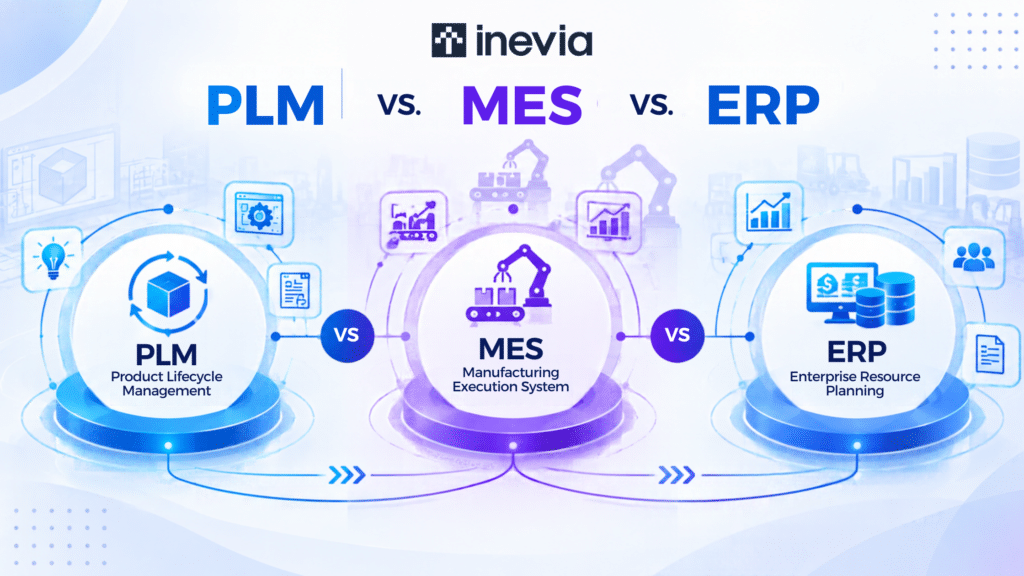
PLM is used for managing product and engineering data. ERP keeps track of business planning and resources. MES manages production execution on your shop floor.
What is PLM?
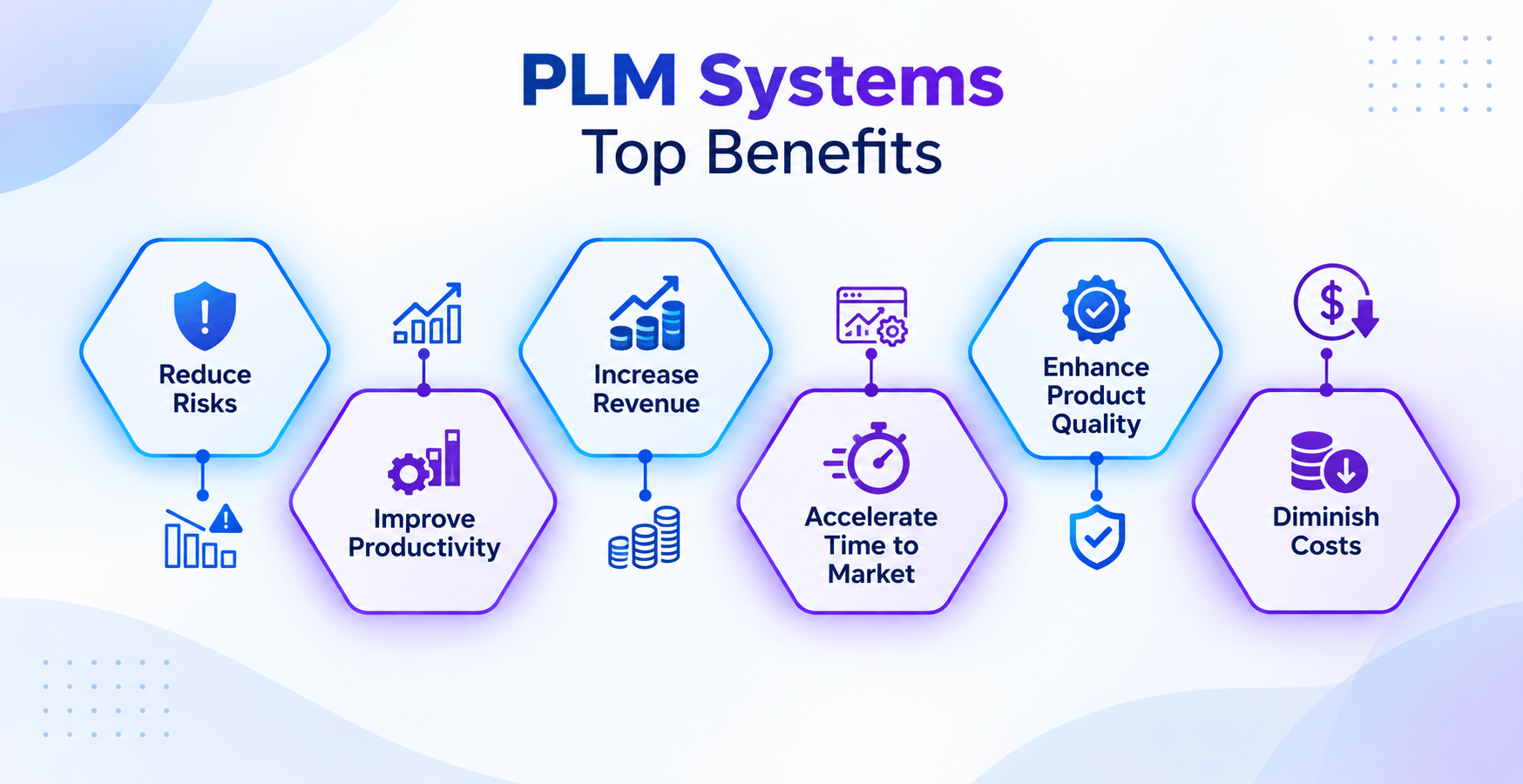
PLM, short for Product Lifecycle Management, looks after your product and engineering data. Companies use PLM for managing drawings, specifications, and bills of material. PLM is also used for design revisions and keeping track of engineering changes.
PLM in use:
If a component drawing is changed from Revision B to Revision C, your PLM saves the new version along with its approval history. This helps your engineering and manufacturing teams know which version needs to be used.
What is ERP?
ERP stands for Enterprise Resource Planning. It manages your overall business operations, helping you manage functions like purchasing, inventory, and finance. ERP encompasses your suppliers, production planning, and costing details.
ERP in use:
If your company needs to produce 500 units, ERP will calculate the available material and the materials that have to be purchased. It will also help you plan your production process.
What is MES?
MES, or Manufacturing Execution System monitors activities happening on your shop floor one production begins. It shows you whether the work order has started, which step is pending, and whether an inspection was successful.
MES in use: If the quality manager wants to know why a batch quality failed, he can get insights from an MES. MES can guide and control production workflows, rather than only monitor activity.
MES provides inspection, material, and process records that support investigation, although those records may not guarantee a root-cause diagnosis.
To understand PLM vs MES vs ERP, let’s see the table below:
| PLM | ERP | MES | |
| Focus | Product and engineering data | Business planning and resources | Factory execution |
| Users | Engineering teams | Planning, procurement, finance | Production and quality teams |
| Records | Drawings, BOMs, revisions | Orders, inventory, costs | Work orders, WIP, inspections |
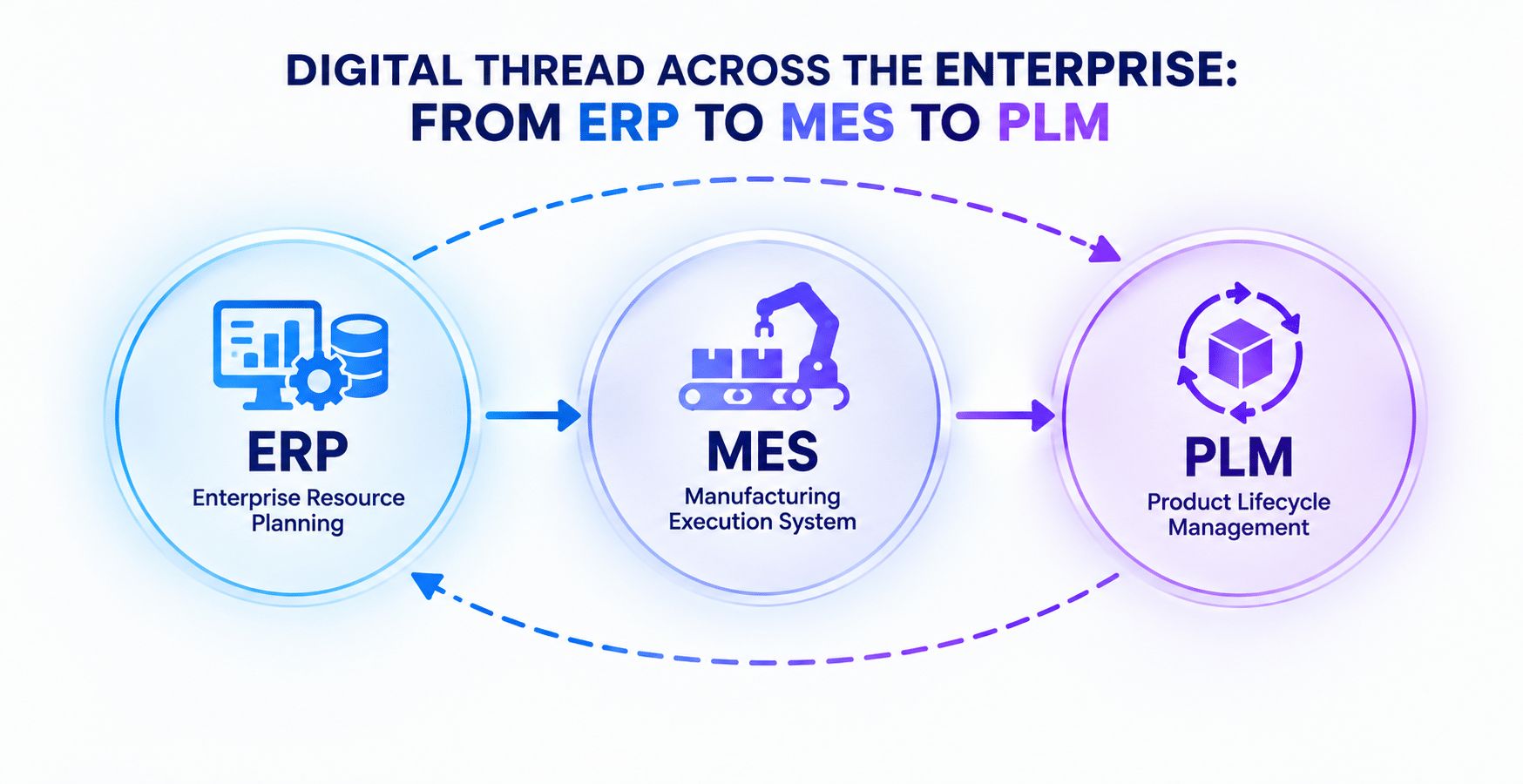
How Do PLM, MES, and ERP Work Together?
Suppose an automotive supplier changes the specification of a component.
The BOM reaches ERP through a configured integration or controlled release process. Engineering and manufacturing BOMs may also differ, so the handoff can involve transformation rather than copying an identical list.
Once the production order is released, MES gives the shop-floor team the current instructions and records progress through each production step.
Now, what if 500 units are planned, 470 pass inspection, 20 need rework, and 10 are scrapped altogether? MES records those production results. ERP can then use the updated quantities for costing, inventory, and future planning.
Without those links, someone in your organization may need to update the same change in multiple systems. That increases the risk of an old drawing, incorrect material quantity, or outdated production status to continue being used.
Do You Need PLM, ERP, MES, or All of Them?
When You Need PLM
PLM will help you if managing product changes is getting tough.
An engineering manager may notice his teams storing drawings in different folders, looking at old revisions, or manually checking if the BOM matches the latest design prepared.
With a PLM, all these records get one single, managed home that keeps track of all changes and approvals.
When You Need ERP
A manufacturing company might know what needs to be produced, but may still struggle with material availability, inventory management, or costing. ERP helps teams connect those activities around the production plan, staying focused on the business.
For example, when your customer places a large order, your planners can check if the available components are sufficient. They can raise purchase requirements for missing components.
When You Need MES
If the production plan is not giving enough data to managers about what is happening inside the factory, using MES in production will help.
Let’s say you just have an ERP and not an MES. ERP may show you that an order is scheduled for Tuesday. By Tuesday afternoon, however, the plant manager may still not know:
- Has the production started?
- Is the inspection pending?
- Is the order waiting for material?
With an MES, the plant manager can access production-level detail and obtain a record of how the order moved through the factory.
When You Need PLM, ERP and MES
In some instances, the functionalities of PLM, ERP, and MES can intersect. If these systems are integrated well, the organization’s efficiency and productivity can improve.
Some of their combinations are explained below with examples:
PLM and ERP: A design or BOM change needs to be shared with material planning and purchasing teams.
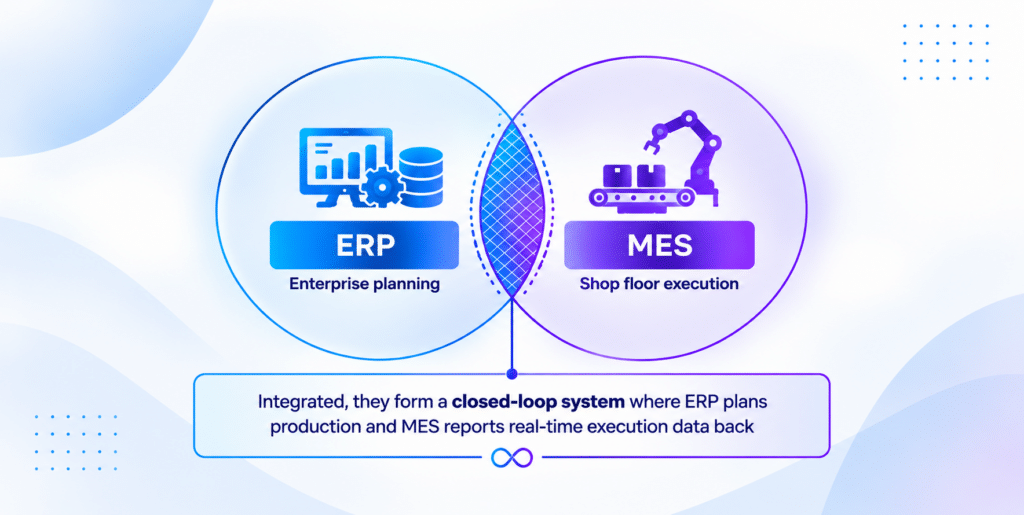
ERP and MES: Production orders shift from planning to the shop floor, while MES sends details about completed quantities and material consumption back to ERP for inventory updates.
PLM, ERP, and MES: Engineering updates, material planning, production instructions, and production records need to be kept consistent.
ERP suites can include production execution, live job status, scrap reporting, and operator instructions. Microsoft Dynamics 365 is one example. We should look at the depth of production functionality required, while acknowledging overlap.
The right mix of systems thus depends on the process that needs to be improved in your organization. The software system that worked for one company may not give the same results to its competitor.
PLM vs MES vs ERP Integration
Organizations that integrate all three systems notice improvements in their regular operations.
- Engineering team can release an updated drawing without relying on someone else to email the new file to production.
- Purchasing department can work from the updated BOM.
- Production team can record what was built and which materials were included.
- Planning team can refer to the current factory data rather than waiting for an end-of-shift spreadsheet.
Having integration solutions for PLM, MES, and ERP can prove to be a noteworthy approach as many manufacturers have been using AI in operations.
According to KPMG’s global tech report of 2026, 76% of manufacturing technology leaders believe unreliable data is a top AI risk. This highlights the need for connected and dependable data for AI in manufacturing.
Thus, AI needs access to dependable operational data in order to support manufacturing decisions at scale.
Conclusion: PLM, MES, and ERP in the AI Era
PLM, ERP, and MES give manufacturers different views of the same operation. PLM can tell an AI tool which product revision is the latest. ERP can provide material availability, demand, cost, and purchasing data. MES can provide details on production progress, inspection results, scrap, rework, and traceability records.
Bringing those datasets together gives your AI systems more context. AI is able to identify that a production delay is linked to a missing component. It can compare quality problems with a particular revision or help planners understand how current factory performance may affect an order.
If you are a manufacturer evaluating new software, ask yourself: Do you need better control over the product, business planning, production, or the flow between them?
The answer will help you choose between ERP, MES, and PLM.
Need help to manage your shop floor operations? Book a free demo of Traveler MES.
FAQs
1. Can MES replace ERP?
Both systems have different roles to play. ERP manages areas such as purchasing, finance, inventory, and planning. MES gives production teams a more detailed view of work being carried out on the factory floor.
2. Can PLM replace MES?
PLM and MES are used for different aspects of manufacturing. PLM manages drawings, BOMs, revisions, and other engineering records, while MES records and manages production activity.
3. Do small manufacturers need PLM, ERP, and MES?
Some companies might require just one or two of these systems. The usage depends on product complexity, production requirements, engineering changes, planning needs, and the integration software currently being used in the organization.
4. Which system should a manufacturer implement first?
Look at the process causing the greatest difficulty. For example, if you face issues with engineering revisions, try using PLM. For managing issues with purchasing and planning, try using ERP. MES will help you manage production tracking or traceability problems.