As organizations strive for growth and efficiency, seamless integration between systems becomes essential for streamlined operations.
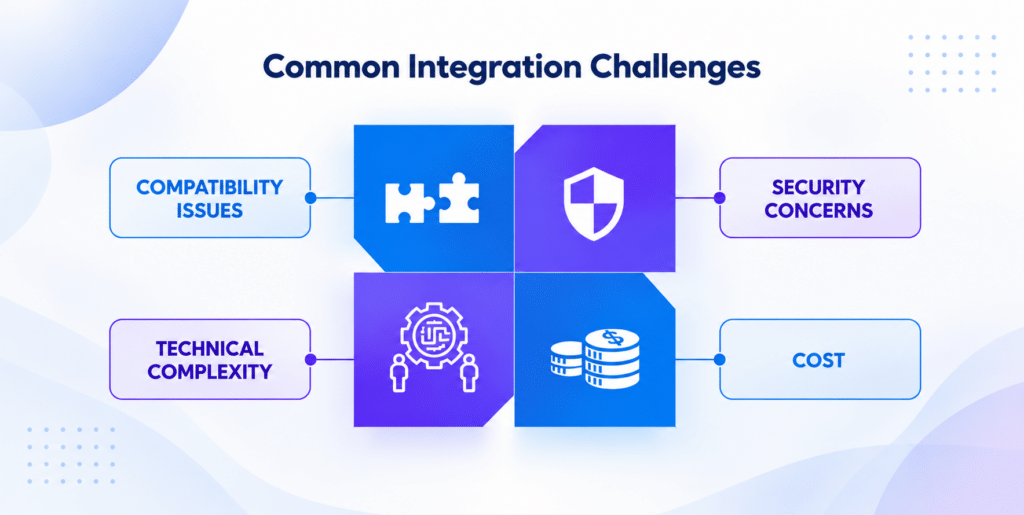
However, without the right approach, ERP integration can lead to risks of maintenance overhead, increased costs, and reliability issues.
Certain best practices like organizational change management can ensure successful ERP integration, helping you achieve business excellence and efficiency.
Let’s explore these best practices together.
What is ERP Integration?
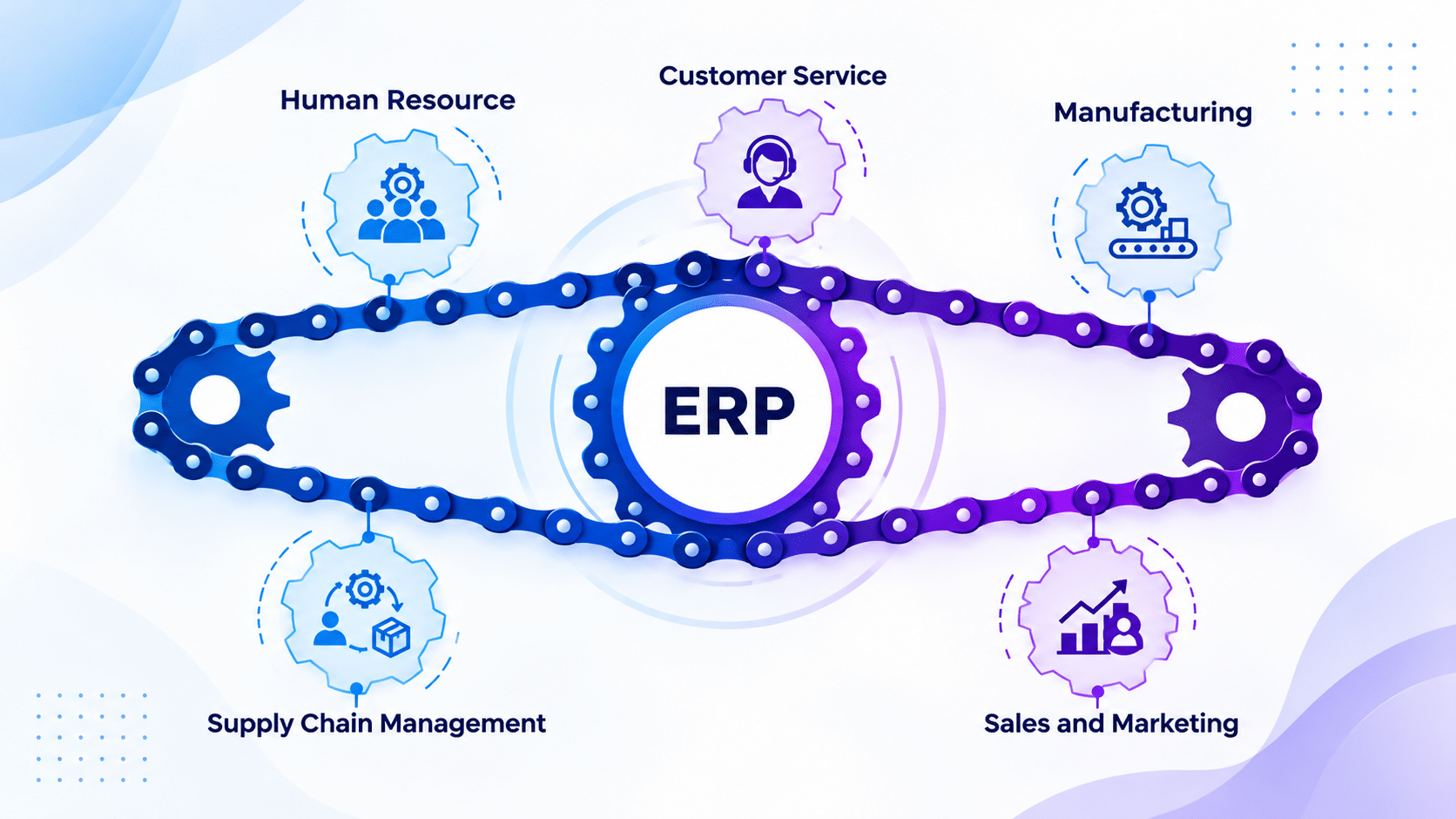
ERP, short for enterprise resource planning, is an integration methodology to streamline data sharing and analysis by linking ERP systems with other applications, databases, and software used by the enterprise.
ERP is a software for business management that is used to collect, share, and manage data across an organization. With ERP implementation, businesses can manage core functions like procurement and finance in a single, integrated platform.
6 Best Practices for ERP Integration Software
Even if you have the best planning in place for ERP integration, unexpected issues can come up during the implementation process. These six practices can reduce any chances of integration issues:
1. Start with the business process needing improvement
ERP integration generally happends because a business process is slow, manual, or split across different systems. Before connecting your applications, define the workflow you want to improve and identify areas prone to delays or repeated work.
For example, an order-to-production process may involve sales, inventory, planning, and the shop floor. If order details are re-entered at each stage, integration should reduce those manual handoffs and make sure the right data reaches the next system at the right time.
Before integration, the leadership should review:
- Teams involved in the process
- Systems that are involved
- Stages where approvals or updates are delayed
- Data that needs to move between systems
- Reasons for manual entry or duplicate work
This assessment helps the integration project understand the business purpose and prevent teams from connecting systems without improving the workflow behind them.
Learn more about Inevia’s data cleanup services.
2. Roll out the integration in phases
A phased rollout does not always mean adding several systems one after another. It can also mean introducing one integration gradually.
For example, an ERP–MES integration might begin by sending production orders from ERP to MES. Once that connection works reliably, the next phase can send completed quantities and material consumption back to ERP.
If several applications need to connect with ERP, the same approach can be used by integrating one system or business process at a time.
This gives teams a smaller scope to test, makes problems easier to identify, and reduces the risk of disrupting several workflows at once.
3. Start comprehensive testing of organizational functions
Comprehensive testing of your ERP system’s functions, data exchanges, and connections with other applications before going live helps ensure your system works correctly, supports business processes, and meets user needs effectively. With comprehensive testing, you can detect potential issues that can:
- Affect data integrity
- Result in costly downtime
- Disrupt frontline operations
For comprehensive testing, companies should prepare detailed test plans that cover all areas of the ERP system’s functionality, specifying what will be tested and how.
Explore system integration services for shop floor management.
4. Plan for organizational change and workflow impact
ERP integration can change how employees coordinate with each other, even if business process stays the same. A task that was previously handled by email or manual approval may get automated once systems are connected.
Before rollout, identify areas where these changes could affect operations. Here are some challenges you could face:
Duplicate work: Employees may continue saving data manually, although the integration starts updating it automatically.
Missed approvals: An automated workflow may bypass a review step that departments previously handled outside the system.
Role confusion: Employees may not be sure which team is responsible for correcting an error once data starts moving between different applications.
Unexpected downstream effects: A change in one system may trigger inventory updates, billing changes,or customer updates somewhere else.
Organizational change management helps teams prepare better for these changes before the go-live phase. This includes reviewing affected workflows, assigning responsibilities, updating procedures, and training users on new ways of working.
5. Use a hub and spoke model for integration
If ERP is to be connected with several systems, building a separate connection between applications can be tough to manage.
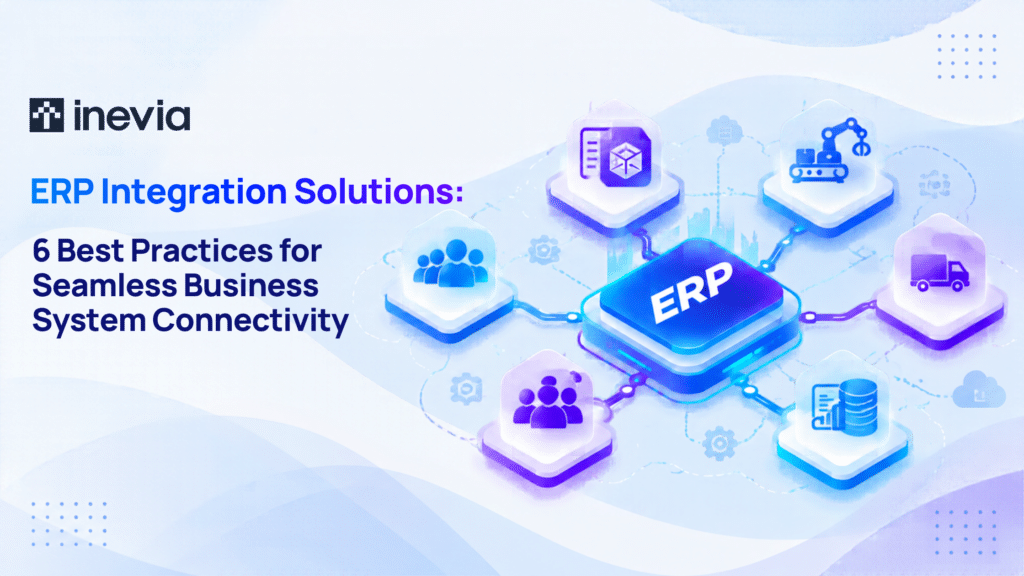
A hub-and-spoke model can solve this challenge by using one central integration platform as the hub. ERP, CRM, MES, ecommerce, and other applications can connect to that hub as spokes. Instead of each system communicating directly with every other system, data passes through the hub.
For example, if ERP has to share order data with MES and a warehouse system, the hub can obtain that data once and send it to the right applications.
The hub and spoke model for integration helps because it:
- Reduces the number of individual connections
- Makes errors easier to monitor
- Allows new applications to be added with less rework.
6. Evaluate iPaaS for your ERP integration needs
Integration platform as a service (iPaaS) is a cloud-based approach to connecting enterprise applications and managing the flow of data between them. These platforms come with prebuilt connectors, data mapping, workflow automation, and monitoring tools.
For example, an integration workflow could:
- Send an approved sales order from your CRM to your ERP
- Translate customer and product fields into the required format
- Return the order status to the CRM.
This makes iPaaS worth evaluating when you need to connect different cloud and on-premises applications without having to build every connection from scratch.
Compatible integration technology enables data to flow freely and accurately between your applications.
To find compatible integration or middleware platforms, you should do a thorough evaluation of your current IT infrastructure and anticipated needs. This analysis includes:
- Understanding the specific needs of your ERP system in use
- How the ERP system should interact with other software applications
After doing this assessment, you should research and compare different options for integration solutions, considering the following factors:
- Functionality
- Scalability
- Vendor support
- Compatibility with existing systems
It is better to ask ERP integrators for trials and demos. The trial will help you check how well the integration platform connects with business systems.
Try Inevia for your Organization’s ERP Integration Needs
Inevia is the ideal choice for organizations looking to integrate their systems. With the help of Inevia, Brasher Law Firm was able to integrate 5 enterprise platforms, namely Clio, Zapier, Microsoft SharePoint Online, Microsoft Outlook, and Jira Software Cloud.
Inevia has over 40 years of experience supporting organizations on their journey to operations efficiency. Many companies have benefited from Inevia’s expertise in systems integration, workflow automation, and ERP services.
Ready to integrate your IT systems? Contact Inevia for MES and ERP integration services for better flow of business data.
Frequently Asked Questions
- What is the cost of ERP integration?
ERP integration costs vary based on the number of systems, integration method, data complexity, customization, and ongoing support required.
- Can legacy systems be integrated with a modern ERP?
Yes, legacy systems can often connect through APIs, middleware, custom connectors, or scheduled data exchanges, depending on their technical capabilities.
- How often should ERP integrations be monitored?
Critical integrations should be monitored continuously or at regular intervals to ensure early detection of failed transfers, delays, and data mismatches.
- What are the signs that an ERP integration needs to be upgraded?
Frequent data errors, slow synchronization, recurring manual fixes, and difficulty adding new applications usually indicate that the integration setup needs improvement.