You may have come across business reports that don’t match. Your sales team keeps finding the same customer listed two or three times. The operations team maintains a separate spreadsheet because the main database no longer feels reliable.
Then, someone from your team suggests moving everything into a new system. That move might help. It might also carry the same messy data into a more expensive environment.
This blog explains the difference between database cleanup vs data migration, when each one makes sense, and how to decide which approach fits your situation.
The Need for Database Cleanup and Migration
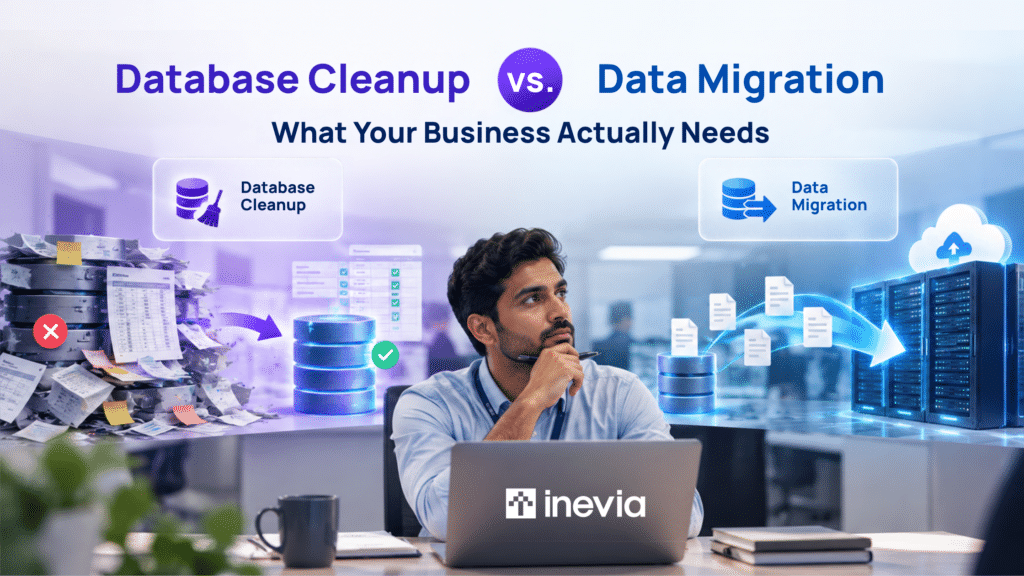
Database cleanup improves the quality of the data you have. Data migration moves that data from one system to another. Some companies need to clean or migrate data. Others need to do both, in the right sequence.
Choosing between Database Cleanup and Migration
| Scenario | Recommended approach |
| Duplicate or inaccurate records | Database cleanup |
| Reports contain conflicting data | Database cleanup |
| Replacing an old CRM, ERP, or database | Data migration |
| Moving from on-premise systems to cloud | Data migration |
| Moving messy legacy data into a new system | Both |
| Consolidating multiple databases | Both |
Poor-quality data can affect reporting, system upgrades, analytics, and AI projects. PwC’s 2026 Digital Trends in Operations Survey confirms this argument. 87% of operations and supply chain leaders said poor data quality affected their ability to achieve value from digital initiatives.
A new platform will not automatically fix duplicate suppliers, inconsistent part numbers, or missing customer information. If those records stay unchanged, your employees can face the same problems after migration.
Database Cleanup or Data Migration: Which One Do You Need?
It is easier to decide when you have a clear picture of what is happening in your day-to-day operations.
- Do your employees repeatedly correct the same records?
Duplicate customer records, missing supplier details, or inconsistent item codes usually point to a cleanup issue.
- Does the existing system still support the workflows your teams need?
If approvals, reporting, production tracking, or customer processes still work well, you may not need to replace the system.
- Are teams maintaining separate spreadsheets?
If yes, this could mean your employees do not trust the central database or cannot get the information they need from it.
- Is a new ERP, CRM, MES, or cloud platform already planned?
If yes, migration will be part of the project. The next step is to check whether the source data is ready to move.
- Are reporting rules, permissions, and record relationships documented?
These details should be clear before data is transferred to a new environment.
- Who has authority to approve merged or deleted records?
Two records may look identical but belong to different customers, suppliers, or locations. The right person should confirm what can be merged or removed.
If most of the issues are with inconsistent records, start with database cleanup. If the current system isn’t really helping your business, start with migration. And if you are moving poor-quality data into a new system, you probably need to do both: data cleanup as well as migration.
When Database Cleanup Makes Sense
Cleanup can be a good option when the current system still supports the business but employees have stopped trusting its records.
1. Employees keep correcting the same data: Repeated manual fixes usually point to a recurring data-quality problem.
2. Reports show conflicting numbers: A plant manager should not see different inventory quantities for the same component depending on which report is opened.
3. Teams maintain separate spreadsheets: Employees often create their own files when the central database no longer gives them dependable information.
4. You are preparing for AI or analytics: Missing values, duplicate records, and inconsistent formats can have a negative impact on analytics and AI results.
According to KPMG’s 2026 Global Tech Report for Industrial Manufacturing, 76% of manufacturing technology leaders consider unreliable data as a top AI risk.
Benefits of Database Cleanup
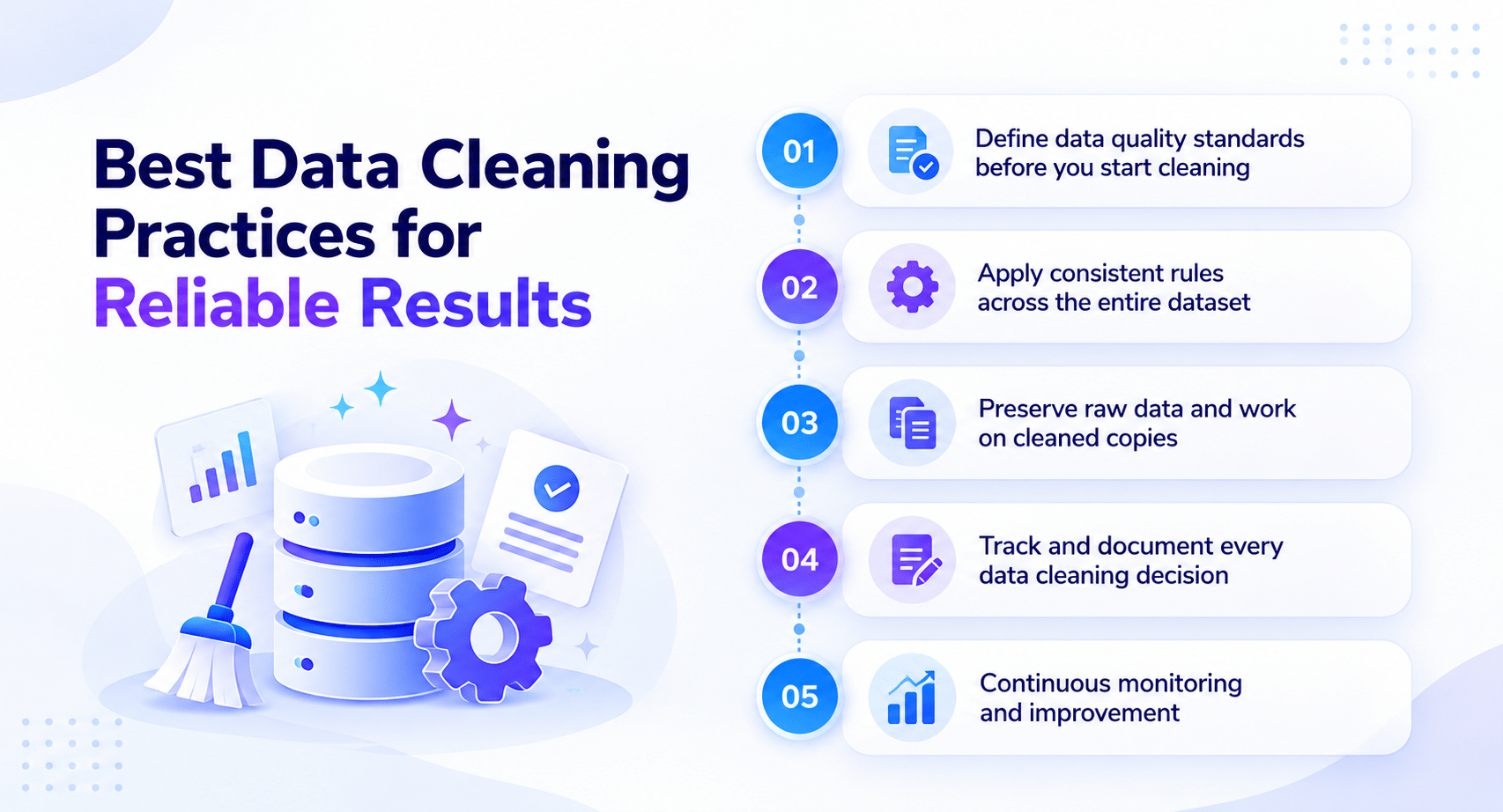
Cleanup focuses on problems within your current records. It can improve reporting, reduce manual checks, and prepare information for analytics or AI.
1. More reliable reports: Duplicate customers, inconsistent item codes, and missing fields can distort sales, inventory, and operations reports. Cleaning these records gives teams a more consistent view of the business.
2. Less manual checking: A purchasing manager should not have to verify whether “Sonark Industries” and “Sonark Industries Ltd.” are the same supplier every time a report is prepared. Cleanup can remove many of these recurring checks.
3. Better data for AI and analytics: AI applications work better when names, codes, and formats are consistent. A manufacturer, for example, may need standardized part numbers before using AI to compare inventory or production records.
Risks in Database Cleanup
Two similar records may belong to different customers, locations, or contracts. Automated rules can also mark a valid entry as an error.
For example, AI may flag two supplier names as duplicates. The procurement team should confirm that they refer to the same supplier before either record is changed or deleted.
When Data Migration Makes Sense
Migration is a better fit when the current system itself is creating limitations.
1. The system is outdated: Older software may be difficult to maintain, secure, or connect with other applications.
2. You are moving to the cloud: Databases, documents, metadata, and permissions may all need to move into the new environment.
3. You are introducing a new CRM, ERP, or MES: Historical records often need to remain available after the new system goes live.
4. You are consolidating systems: An acquisition or internal consolidation may require information from several platforms to be brought together.
A small law firm engaged Inevia to move legal documents from Dropbox to Microsoft SharePoint while preserving its client and matter structure and maintaining access controls. The migration was completed without downtime during working hours.
Benefits of Data Migration
Migration becomes relevant when information needs to move into a new platform, database, or cloud environment. It is common during system replacements, cloud projects, acquisitions, and technology consolidation.
1. Leave legacy systems behind: Businesses can move records from older software into systems that are easier to maintain, secure, and integrate.
2. Bring information together: Consolidating multiple databases can reduce the time employees spend switching between systems or searching for the correct record.
3. Support new business systems: A new CRM, ERP, MES, or document platform may need historical information from the previous environment so employees can continue working with earlier records.
Risks in Data Migration
Incorrect field mapping can place information in the wrong field or break links between related records. Documents may also move successfully while permissions, metadata, or folder structures are lost.
These problems can disrupt work even when the technical transfer itself appears successful. Mapping, testing, and validation should therefore be planned before the final cutover.
Using AI for Data Cleaning
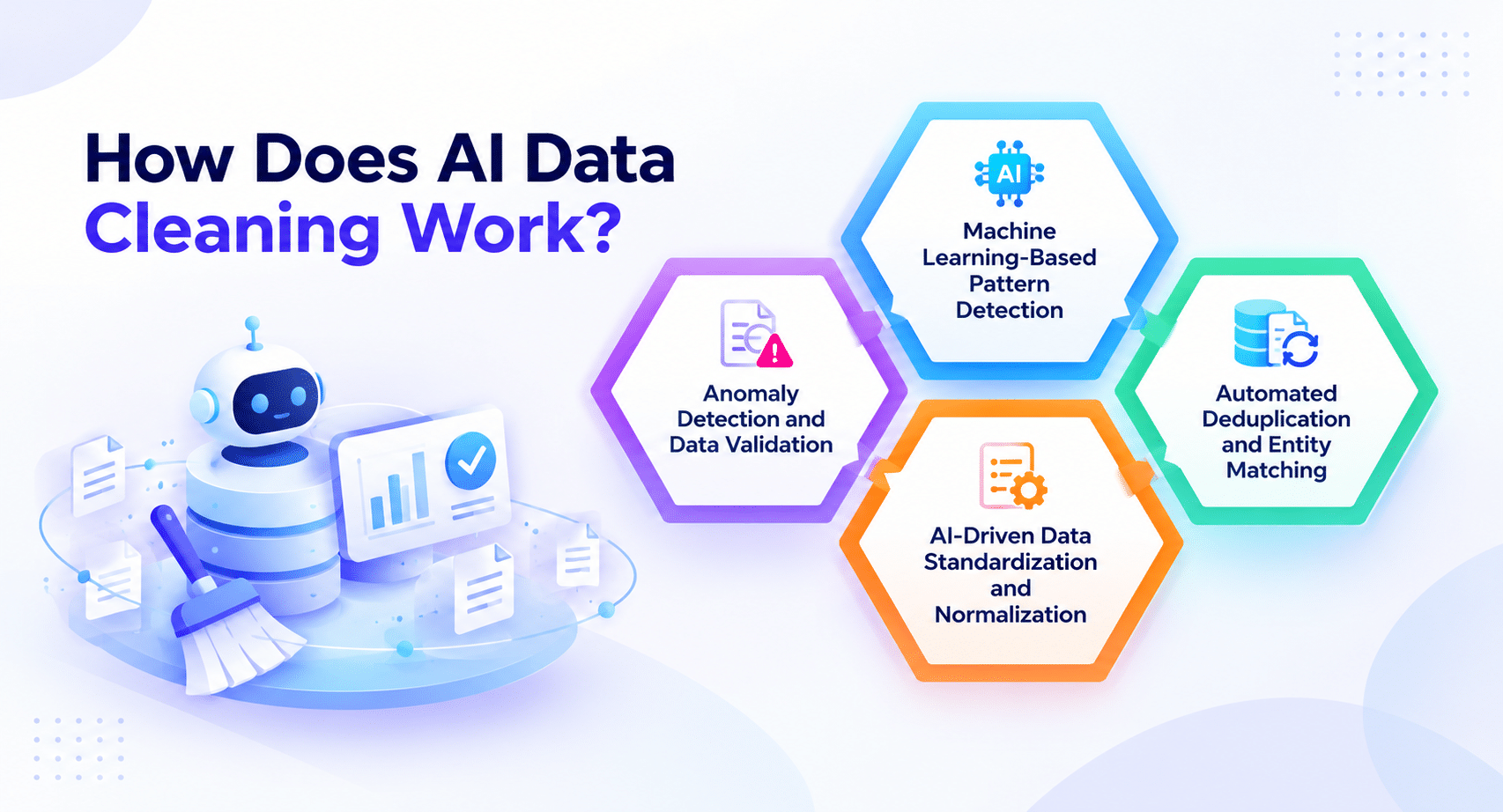
AI can help teams review large datasets faster, especially when records contain recurring patterns.
1. Finding duplicate records: AI can identify customers, suppliers, or products that appear to be the same even when spelling, abbreviations, or formatting differ.
2. Detecting unusual data: AI can flag missing values, inconsistent descriptions, unexpected values, or records that do not follow normal patterns. Employees can then review those records before changes are applied.
Using AI for Data Migration
AI can also assist with migration preparation and validation.
1. Suggesting field mappings: AI can identify possible matches between fields such as “Client Number” in one system and “Customer ID” in another, reducing some of the manual comparison work.
2. Finding migration errors: AI can flag records that do not fit the target structure, contain missing information, or need additional review before cutover. The migrated data should still be validated before the new system goes live.
How Inevia Supports Data Management
Inevia assesses data quality, cleans operational records, prepares information for migration, maps fields between source and target systems, carries out the transfer, and validates the new environment.
The first step is identifying whether unreliable data, an outdated system, or both are causing the problem. That determines whether the project needs cleanup, migration, or a combination of the two.
Conclusion
Database cleanup improves the quality of the information you have. Data migration moves that information into another system.
If inaccurate records are causing the problem, start with cleanup. If the system itself is limiting the business, migration may be necessary. When poor-quality data is moving into a new environment, cleaning it before or during migration can prevent the same problems from appearing again.
Review the condition of your company’s data before making the decision. This can save time later and reduce the risk of carrying old data problems into a new platform.
FAQs
1. How long does database cleanup usually take?
The timeline depends on the volume of data, the number of issues, and how much manual validation is required. A small, structured database may take days, while complex data spread across multiple systems can take longer.
2. What are the biggest risks during data migration?
Common risks include missing records, incorrect field mapping, broken relationships between records, permission errors, and downtime during cutover.
3. Does AI data cleaning replace data engineers or data quality teams?
No. AI can help identify duplicates, anomalies, and formatting problems, while data teams define cleanup rules, investigate unclear records, and approve changes that affect business information.
4. What types of data benefit most from AI data cleaning?
Large datasets with repeated patterns are good candidates. Examples include customer records, supplier databases, product catalogs, inventory data, transaction records, and operational data collected across multiple systems.
5. Which tools are used for database cleanup and migration?
Common options include SQL, Python, Excel, ETL platforms, cloud migration utilities, and dedicated data-quality tools. The right choice depends on the systems involved, data volume, security requirements, and project complexity.
Not sure whether you need data cleanup, migration, or both? Book an Operations Review with Inevia. We’ll assess your data, systems and workflows, and recommend the lowest-risk path forward.